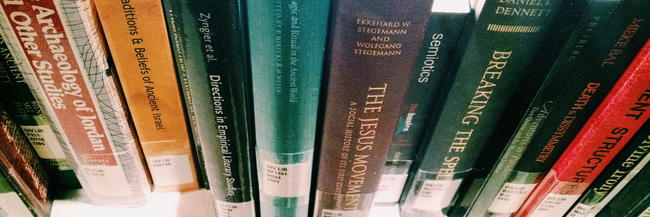
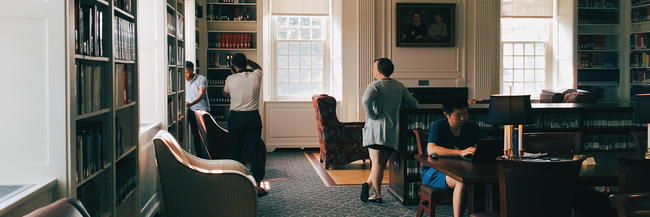
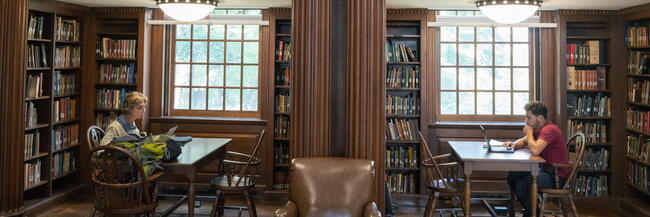
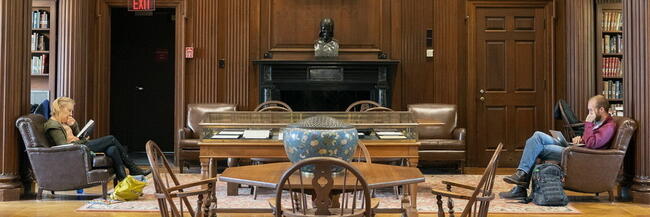
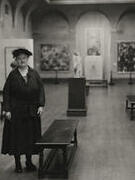
Completely renovated in 2017, the Trowbridge Reading Room is a popular space for students and scholars who need to consult the Library's reference collection, or simply read or write in a quiet, inspiring ambience.
Glass lantern slide from the Lin Collection, acquired by the Yale Divinity Library in 2016. The Lin Collection is a curated set of photographs and printed materials visually documenting Chinese society through the eyes of Western missionaries. Consisting of ca. 900 original photographs, printed materials, rare books, and other artifactshis, the collection pays particular attention to cross-cultural interactions between China and the West, the growth of Christianity in China in the early 20th century, and the development of the indigenous Chinese church.
Yale introduces LUX, a groundbreaking custom search tool for exploring the university’s unparalleled holdings of artistic, cultural, and scientific objects.