decorative image
Social Science Libraries & Information  ServicesYale University Library
Research Tools Libraries and Collections Library Services Computers in SSL
Network Access for Laptops / Saving / Download Options / Printing
Options for Saving / Downloading from Public Workstations

Personal Flash/USB drives may be used on public workstations.

USB drives for use with the public computers may be checked out from the Circulation Desk.

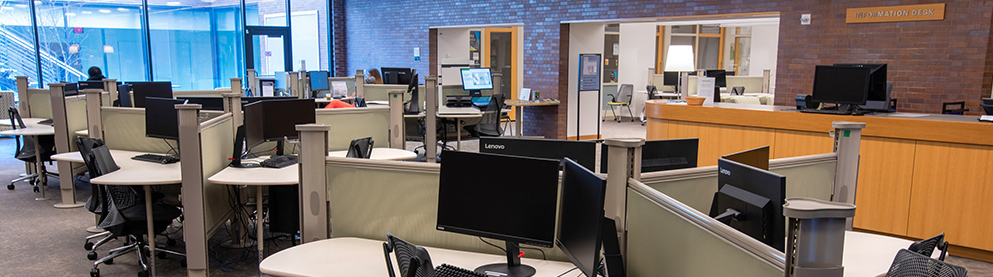
Pantheon scratch space (workstations 8, 9, 10, 11, 12, 14, 15, 16)

Launch the shortcut from the Start menu and enter your netID and password.

Create your own directory for storing your files. This space is purged regularly, so move your files to a permanent location.

See http://pantheon.yale.edu/help/policies/scratch.html for Pantheon scratch space policies, including information about how much data can be stored and when it is purged.

To connect to the scratch space from another computer:
http://pantheon.yale.edu/help/mount/win.html (Windows) http://pantheon.yale.edu/help/mount/mac.html (Mac)

Removable media (you supply the media)

CD/RW drive (workstation 8)

ZIP drive (workstations 9 and 10 -- for workstation 10, ask for ZIP drive at Circulation Desk)

6-in-1 drive for CompactFlash card, SmartMedia card, MultiMedia card, Secure Digital card, Memory Stick or IBM Microdrive (workstation 12 - ask for drive at Circulation Desk)

Search Library Web / Contact SSLIS / Statlab / Yale University Library / Yale University / YaleInfo
© 2002 Yale University Library
This file last modified 07/09/04
Send questions to Social Science Reference